

Lore Link allows you to link Lore objects to each other within your campaigns. Unlike the Parent / Child relationship, linking Lore does not require both objects to be part of the same category. On the Details page for any individual Lore, the “Linked Lore” section will show you all of the other Lore it is currently linked to.
To link another Lore object to the one you are viewing, click the Link Lore button. This will open a panel where you can enter details about this new Link. Select the Lore (via type-ahead and category filtering) that you wish to link. If you also want to define the Link more clearly by giving it a more specific name – for example, defining a Link between Father and Son Characters as “Father Of” and “Son Of”, respectively – enter this into the Link naming fields, which show “related to” by default. Note that all Links are bi-directional, meaning the Link you create here will be visible on the Details page for both Lore objects. No need to double your work by making the same Link twice!
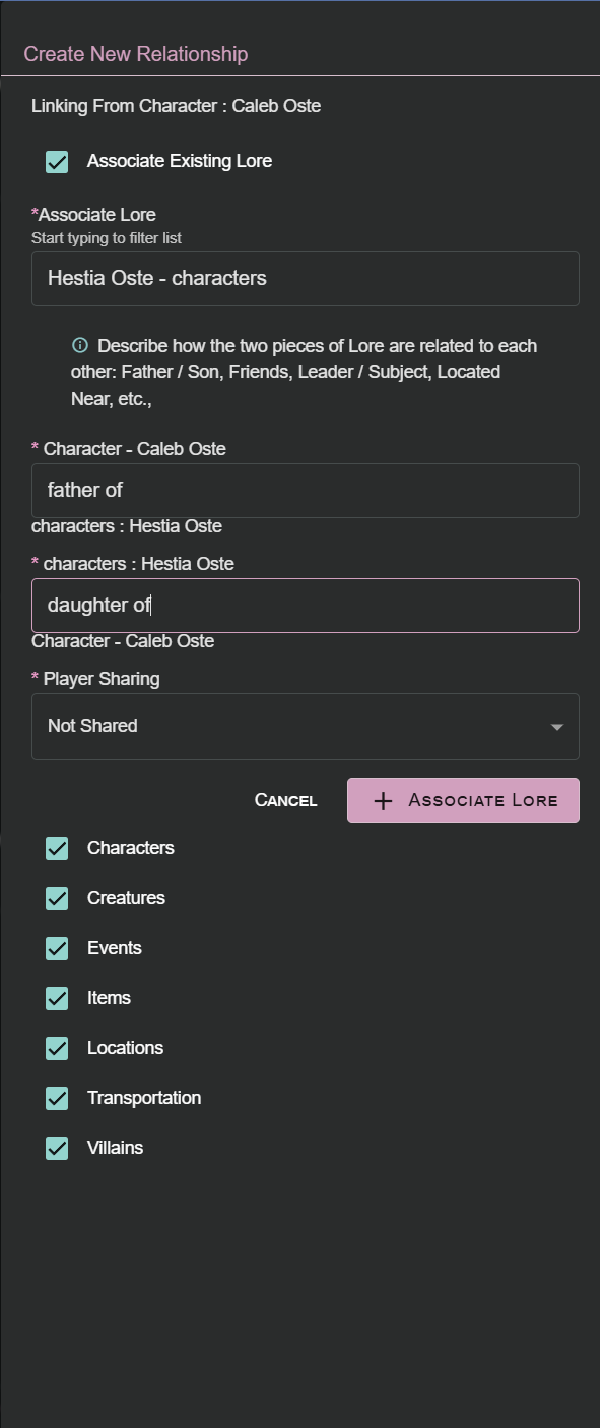
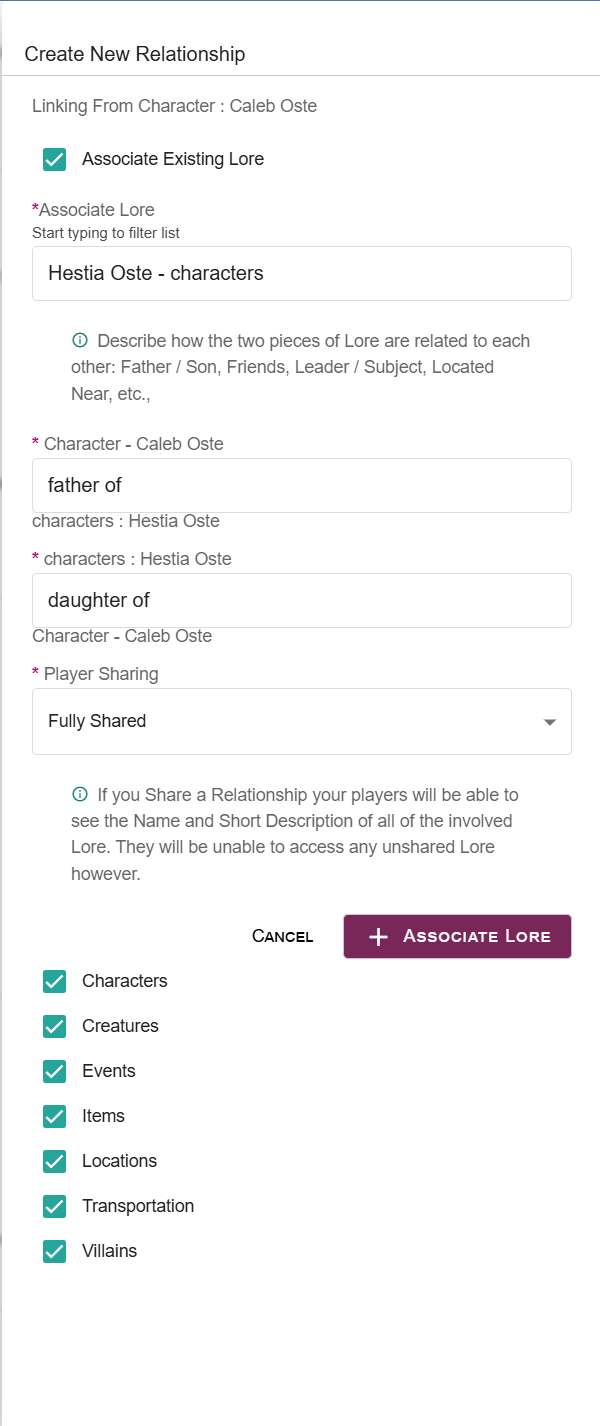
Quickly link any two Lore objects within your campaign
If you suddenly realize that you forgot to create the Lore you wanted to link ahead of time, don’t worry! Uncheck the “Link Existing Lore” checkbox and continue building out the Link as usual. Once you’re done, select Create New Lore and you’ll be guided through the process of creating a new Lore object before returning to the Edit screen for that Link so you can add or change any final details before saving your work.
Please note that the Player Sharing field on the Link will control whether or not Player Users can see it. If Player Sharing for the Link is set to either Existence Only or Fully Shared, both Lore objects will be visible to your players, even if one of the Lore objects in the Link has its Player Sharing set to Not Shared.