

Categories are how your Lore is grouped together. By default, Lore Link uses a generic set of categories: NPCs, Villains, Creatures, Items, and Transportation. Lore inside the same category can be arranged hierarchically (sharing Child Descriptions) and can share templates. All Lore can be linked together and added to Encounters, Timelines and Sessions regardless of category.
For paid tier members, we offer the ability to customize the categories that your campaign use. You can choose to add, remove, or even rename categories. This can include the default categories that the campaign starts with. So for your science fiction-themed campaign, Transportation can become Starships or Locations can become Planets. To access this new section, simply open a new or existing campaign and click on the gear icon in the upper right hand corner.
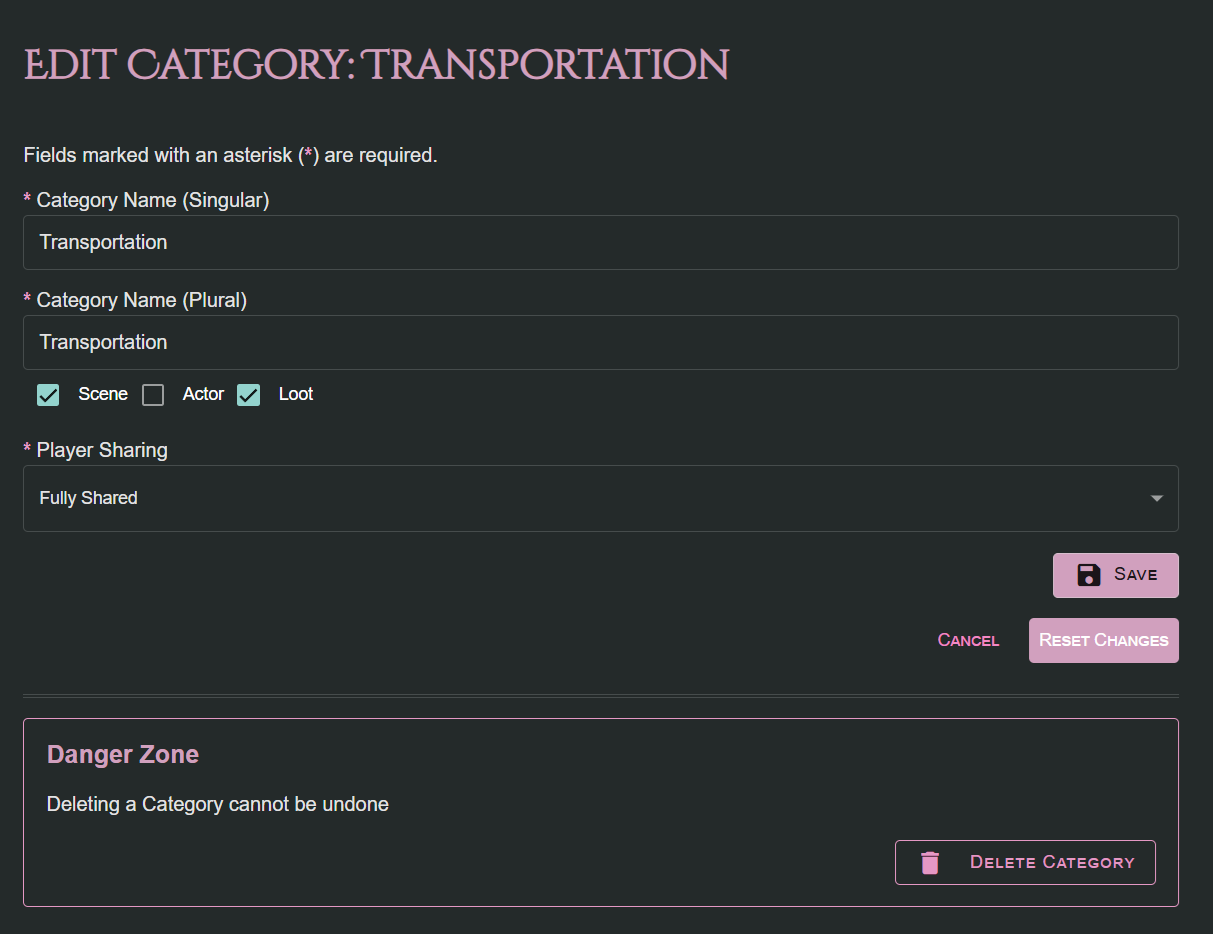
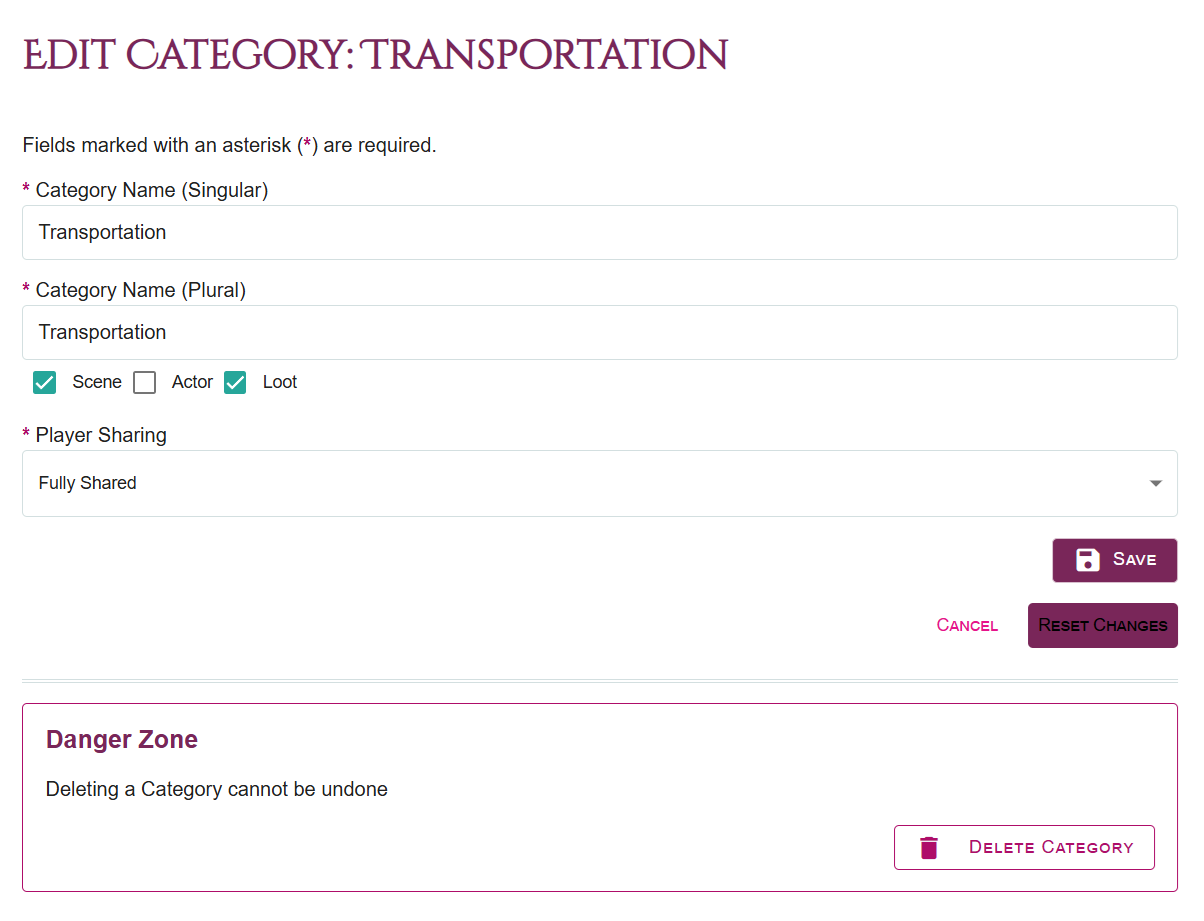
So here’s how each field you see above is used throughout Lore Link
Category Name (Singular) & Category Name (Plural) - This establishes how your category is referred to throughout Lore Link. Capitalization will be preserved.
- Note that two categories cannot share the same name (either Singular or Plural).
- On a technical note, Lore is stored under the plural of a category, so you might notice a slight delay if you change the Plural name of a category as the system updates all of the Lore to reflect the new category,
Scene, Actor, Loot - These checkboxes define what roles this category fills in your campaign. At present, these roles are primarily used by Encounters to help define how the Lore is to be used in your Encounter.
Player Sharing. If you share your campaign with players, Categories that are not shared will not be visible to players, so any Lore in that category will also not be visible to the player, regardless of whether it is shared with Players. Do not that the usual caveat about if you link Lore from a Unshared Category to something which is shared with the player, that Lore and Category will be shown to the player in that context.
Reset Changes will remove any changes you’ve made since you’ve last saved.
You can delete an Category that does not have any Lore currently associated with it.